How do I start a game?
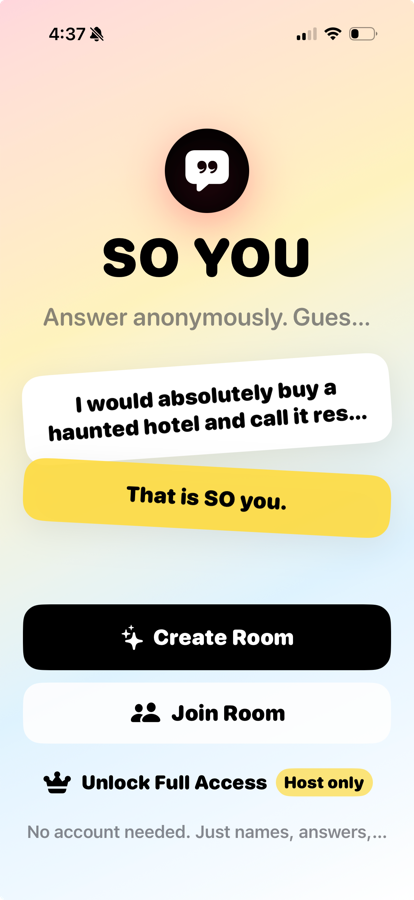
Tap Create Room, enter your name, choose the room settings, then share the room code with the people playing with you.
 SO You!
Support
SO You! is a party game where players answer prompts anonymously, guess who wrote what, and find out who really knows the room.
Common Questions
Tap Create Room, enter your name, choose the room settings, then share the room code with the people playing with you.
Friends tap Join Room, enter the room code, and add their name. The host starts the round once everyone is in the lobby.
No. SO You! is designed for quick rooms with names and room codes, so players can join without creating an account.
Decoys are extra fake answers mixed into the room. They make guessing harder and add a little chaos to each reveal.
Rooms need a stable internet connection. If a room stalls, have the host return to the lobby or create a new room and invite everyone back.
After the room results are available, unlock the personality cards and use the save/share controls shown in the app.
Privacy
SO You! uses room codes, player names, answers, guesses, scores, and room settings to run multiplayer games. The app does not require players to create accounts.
Read the full Privacy PolicyContact
Send a note with your device model, iOS version, what you were trying to do, and any room details that would help reproduce the issue.
kalee@edutechservices.com